Restaurant
POS & Billing Software
Billing · Inventory · KOT · Online Ordering — All in One App
Restaurant billing and management software that streamlines operations, manages inventory, and helps you run service without the back-office busywork — trusted by 100+ restaurants across India, with no migration charges to switch.
Contact for Free Demo →✓ No Migration Charges · ✓ Free Setup · ✓ 24/7 Support
Versatility
Restaurant POS Software for Every Format
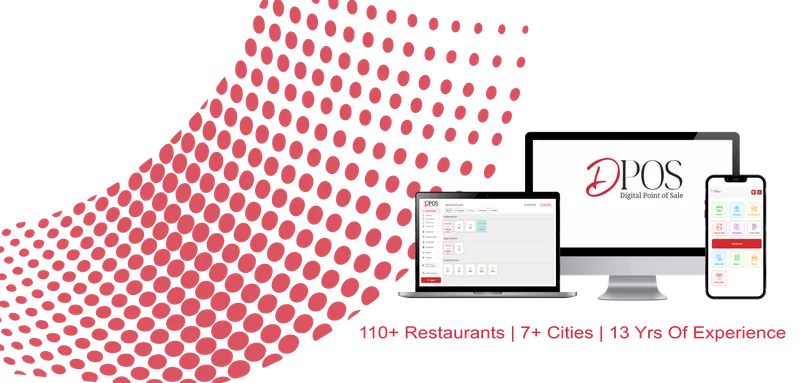
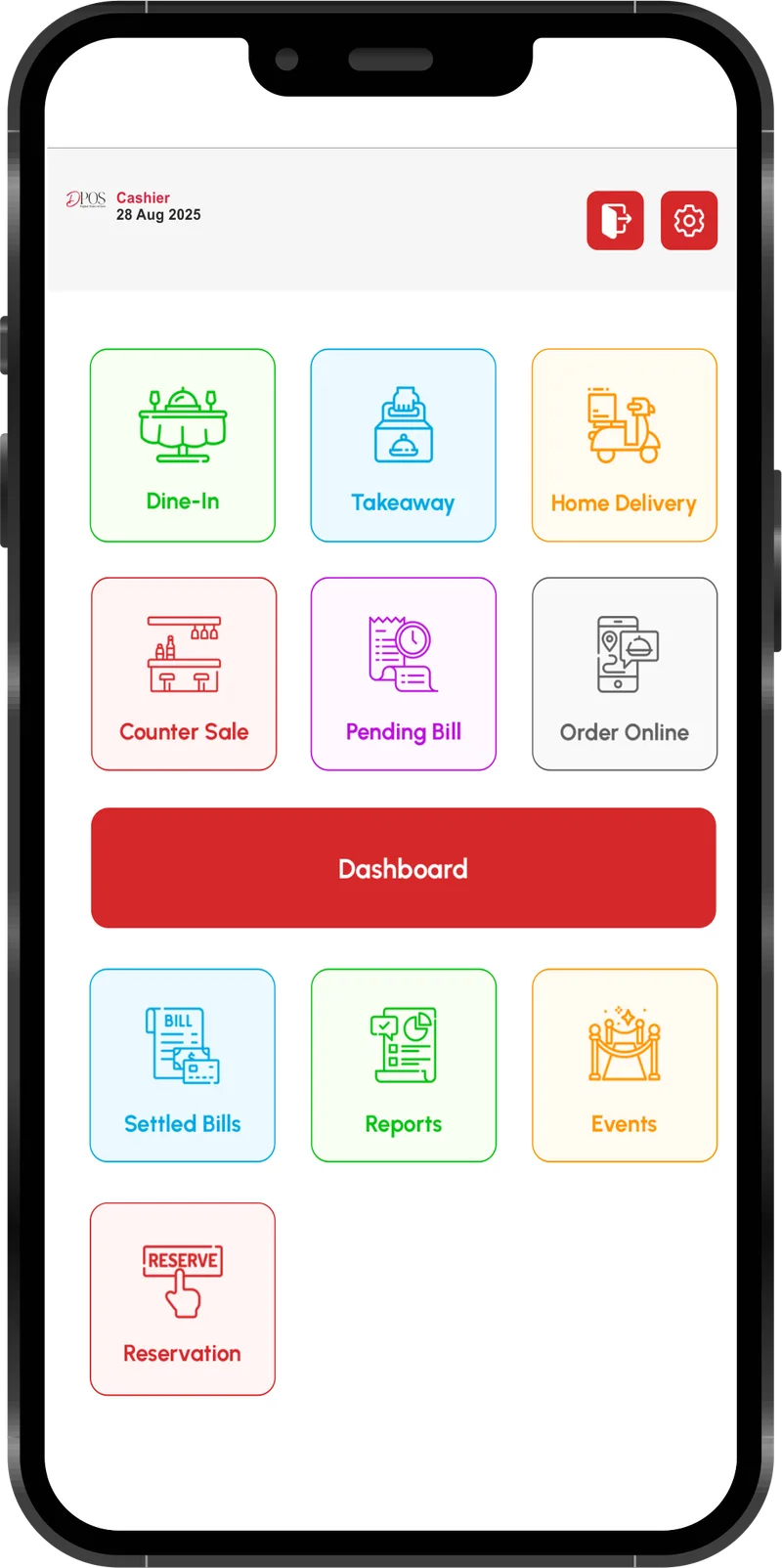
DPOS is restaurant POS software built for the Indian F&B market, and it adapts to your specific business model — whether you run a cozy cafe, a quick-service outlet, or a bustling fine dining establishment. From single-outlet cafes to multi-location chains, the same restaurant POS software scales with you, with billing, KOT, inventory, and online ordering built around how Indian restaurants actually operate.
Fine Dine
QSR
Cafe
Cloud Kitchen
Bakery
Bar & Brewery
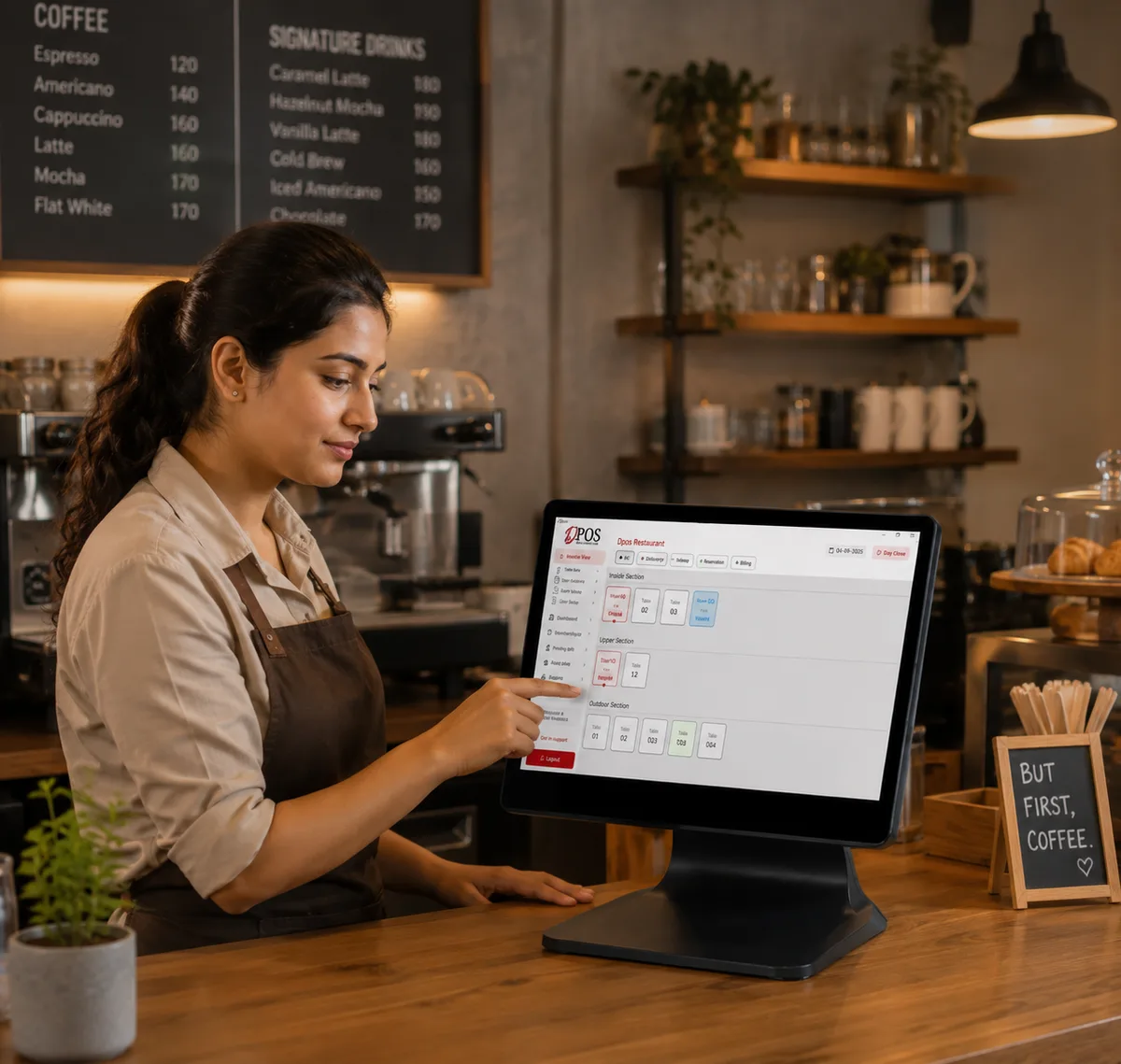
Restaurant Billing Software: Complete Control at Your Fingertips
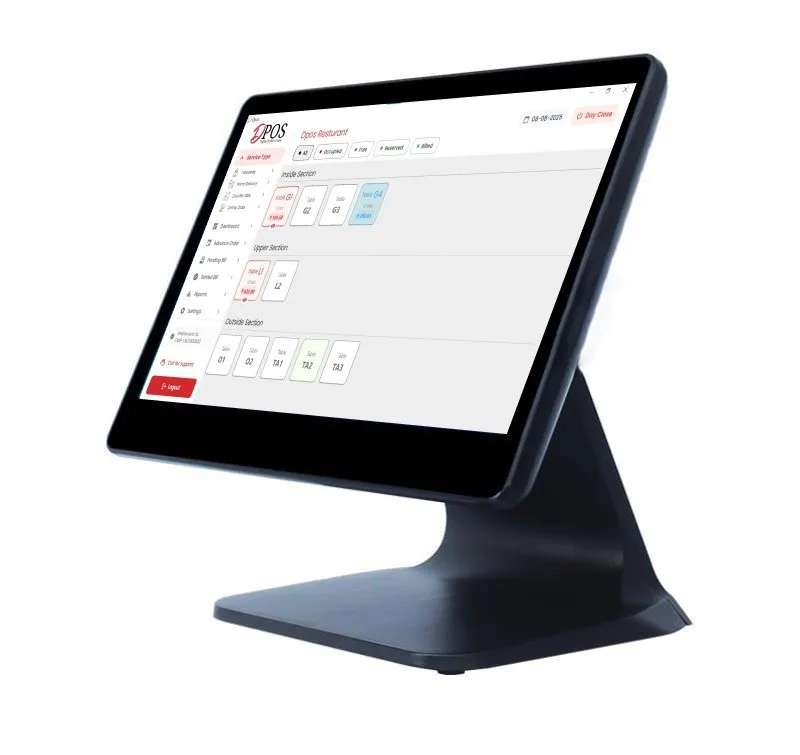
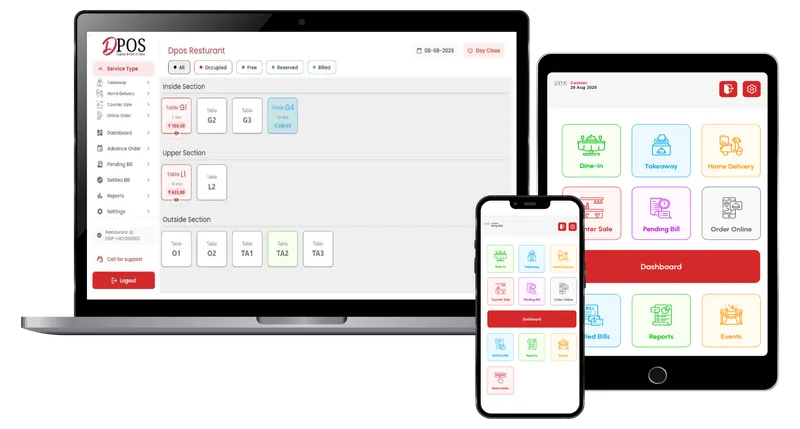
DPOS's restaurant billing software manages orders, recipes, and staff from a single dashboard. Real-time sync ensures you never miss a beat.
Smart Billing
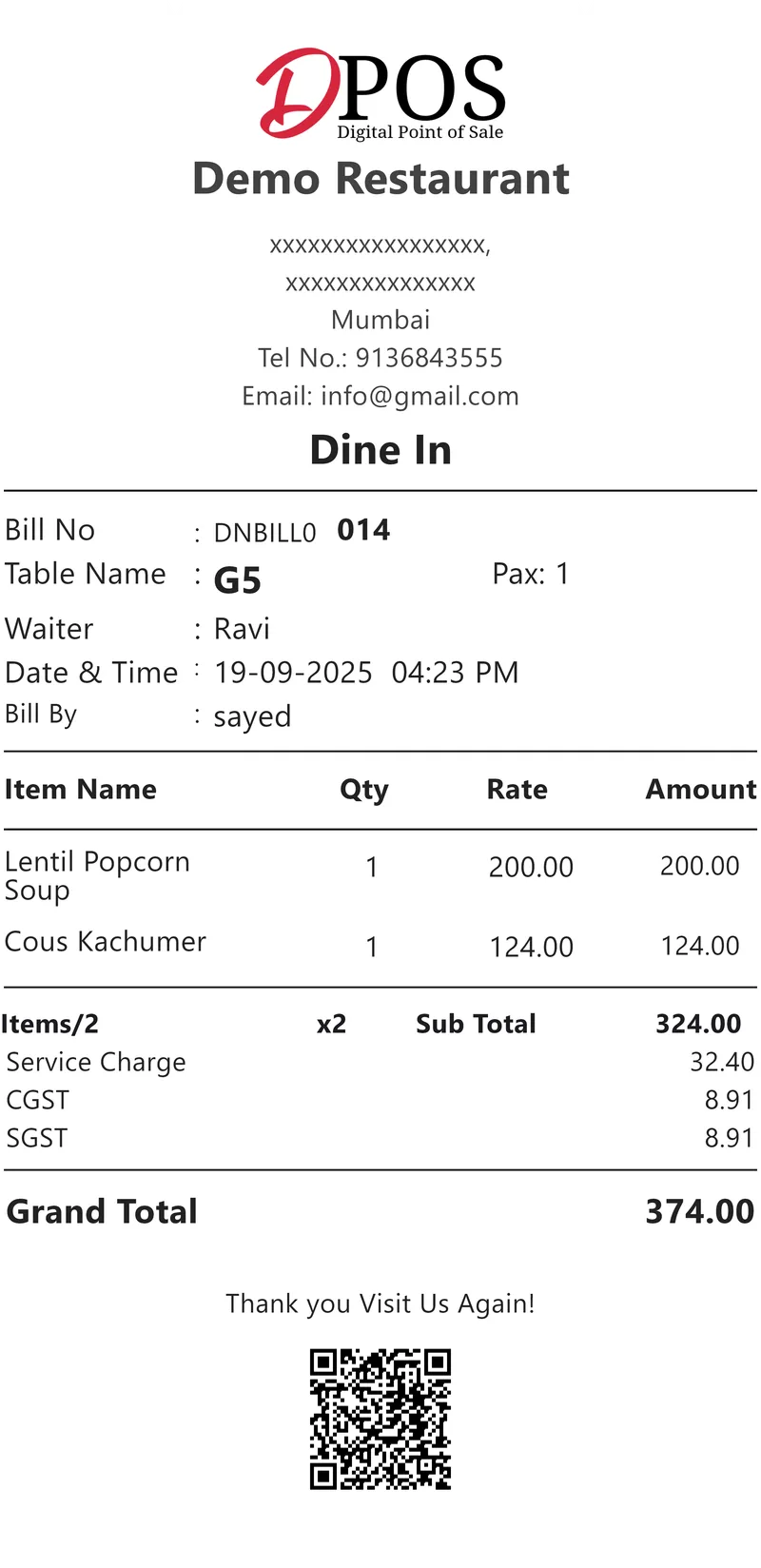
Split bills, merge tables, and accept multiple payment modes effortlessly.
Advanced Analytics
Get actionable insights on top-selling items and peak hours.
Switching POS Systems? No Migration Charges, No Data Loss
Moving off your current POS usually comes with switching fees — DPOS doesn't charge them. Setup is free, so switching to restaurant POS software built for your business doesn't add extra cost on top of what you already pay to run your restaurant.
What to Look for in Restaurant POS Software
Billing speed
Orders should process in seconds, even during a dinner rush.
Kitchen integration
KOTs should route to the right station automatically, not get sorted by hand.
Delivery platform sync
Zomato, Swiggy, and other aggregator orders should land directly in your POS.
Inventory and costing
Stock and recipe costs should update without a separate spreadsheet.
Offline reliability
Billing shouldn’t stop the moment your internet connection does.
Switching cost
Check what migrating from your current system actually costs before you sign.
How DPOS Compares
See how DPOS stacks up against other restaurant POS software in India on features, support, and switching cost.
Read the comparison →What Restaurants Say
Reviews from Google
“DPOS has made our restaurant billing much faster and easier. The interface is simple enough for our staff to learn quickly, and the reporting gives us a clear picture of our daily sales.”
Shabnam Sayed
“Excellent POS system with a user-friendly interface and reliable performance. It makes billing and restaurant management smooth and efficient. The support team is responsive and always ready to help. Highly recommended!”
Sania Khan
“The QR menu and online ordering features are especially useful for our restaurant. Orders can flow directly into the POS instead of staff manually entering everything.”
V Travels
“DPOS has completely simplified our restaurant billing and daily operations. The system is easy for our staff to use, and the reports help us understand our business better.”
Ilham Sayed
“Accommodating staff and great support”
Saood Khan
Frequently Asked Questions